
Features guide
what each screen does.
Only features that exist in the code are listed. Pro marks what the paywall unlocks.
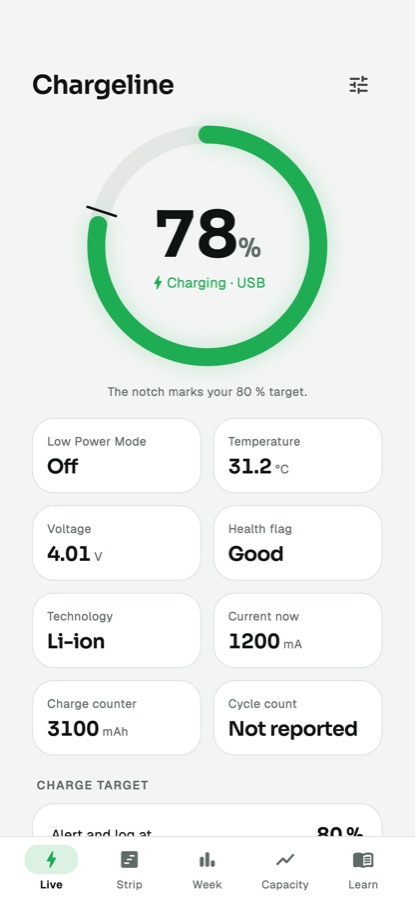
01Live
The current level, charging state and the fields each phone exposes. Android exposes more than iOS, so fields are shown per platform and missing values are left out rather than guessed. Also holds the charge target alert.
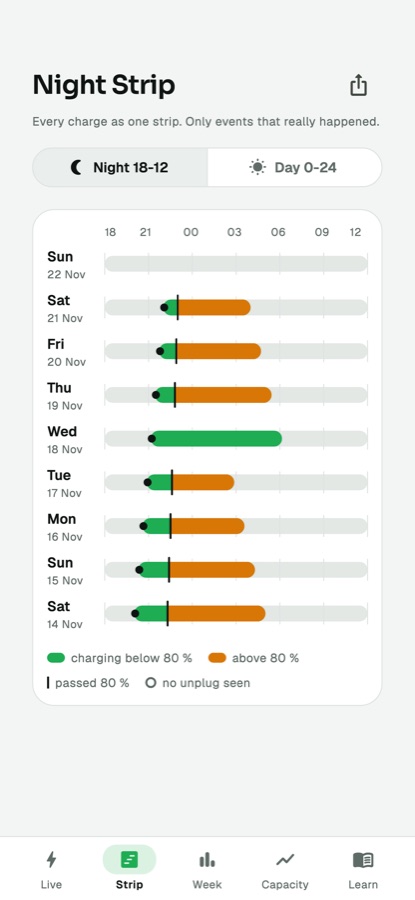
02Night Strip
One row per day showing when the phone charged and how long it stayed above your target (warm colour). Night view covers 18:00 to 12:00, day view 0:00 to 24:00. The history reaches back 7 days for free users (default; set in the console), longer for Pro.
03Charge target alert
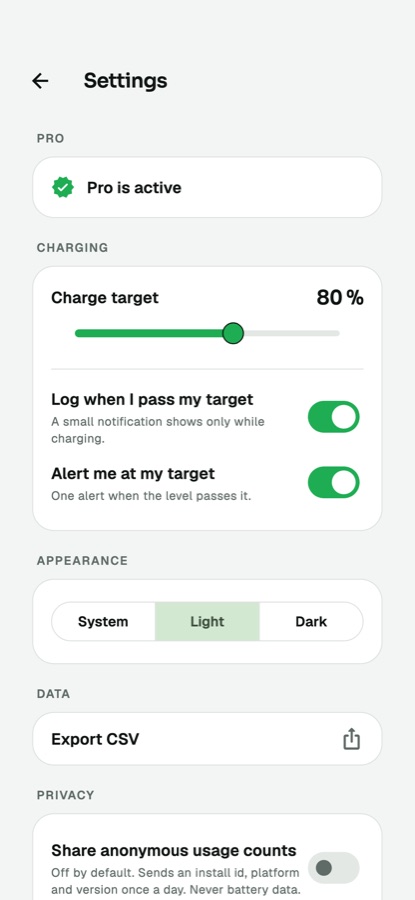
A notification when the target percent is reached. Range and default come from the console (default 80, range 50 to 100). On Android it can use the optional foreground service; on iOS it uses automation C from Shortcuts.
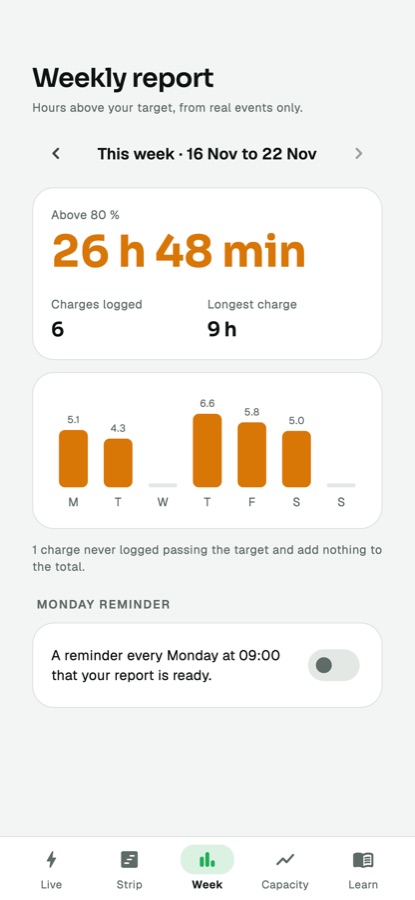
04Week (Pro)
A weekly summary and a Monday reminder notification.
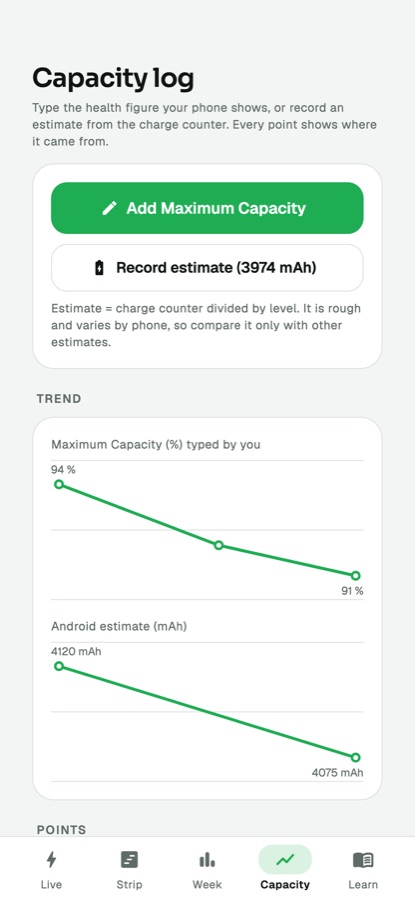
05Capacity log
On iOS, capacity is typed in by the user; on Android the app shows an estimate when the phone reports the needed values. Every point carries a source label so you can tell typed from estimated. The chart is Pro.
06Learn
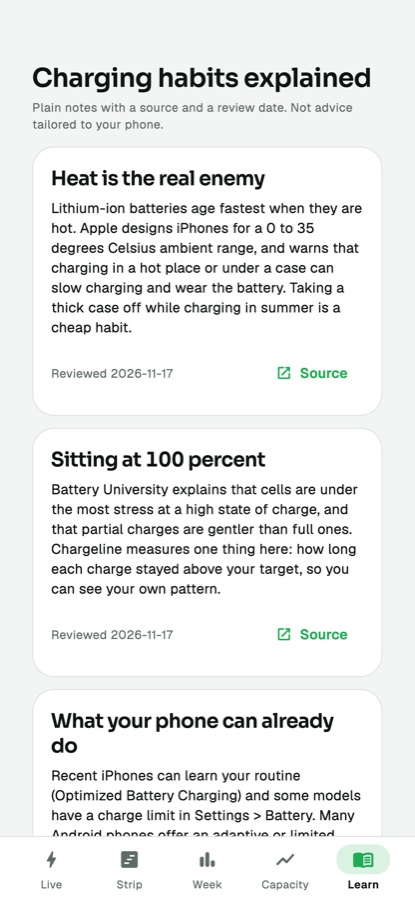
Short habit cards, each with a source link and a review date. Edit them in the console or in defaultCards.
07Export and data
Settings has Export CSV (Pro; opens the share sheet), the data-sharing switch, theme (system, light, dark), a list of open-source licences, and Delete all logged data.
08Announcement and force update
From the console you can show a one-time announcement banner and block old versions with an Update required screen. See Console pages.